SAML Custom Mapping
Learn how to configure SAML SSO for your organization with Custom Mapping.
Available Custom Claims
| Claim Name | Description |
|---|---|
| givenname | First Name (Required) |
| surname | Last Name (Required) |
| emailaddress / email | Account Email (Required) |
| accountphone | Account Phone Number |
| profession | Profession/Job Title |
| location | City or Location |
| mobilephone | Cellphone Number |
| workphone | Work Phone Number |
| workphoneext | Work Phone Extension |
| workemail | Work Email Address |
| company | Company Name |
Adding custom claims for Intra ID integration
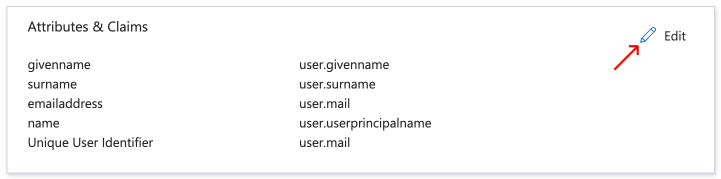
On your Azure application, go to Single Sign-On page, then click Edit under the Attributes & Claims section.
Click on Add New Claim, then add one the following available fields as the name of the claim:
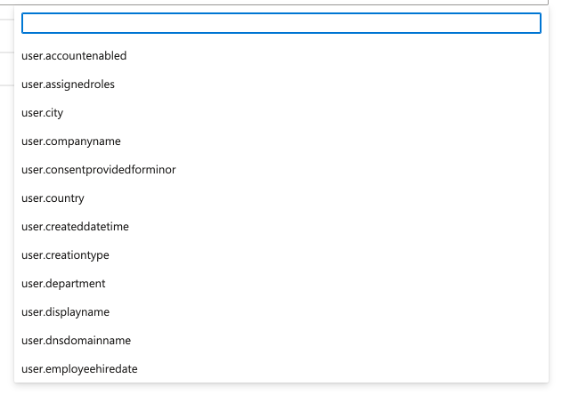
For Source Attribute, enter one of the fields available in your Intra ID.