Salesforce
Introduction
In this document, we provide a step-by-step guide on how users can integrate Salesforce in their Wave account to sync contacts and lead across Salesforce ecosystem.
Intergrating Salesforce in Your Wave Account
- Login (opens in a new tab) to your Wave user account
- Go to Settings, then click on Integrations.
- Click on the 'Connect' button.

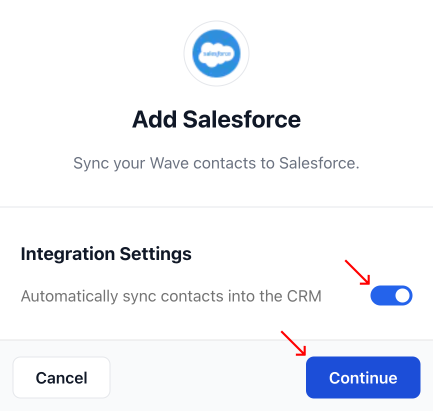
- A pop-up will open, allowing you to turn on contact auto sync between your Wave and Salesforce accounts. We recommend leaving this on. Press 'Continue.' A new tab will open asking you to authenticate your Salesforce account.
- Provide your Salesforce credentials in the fields provided. Press 'Log In.'
Note: The account you authenticate must be a Salesforce administrative account to ensure your integration works properly.
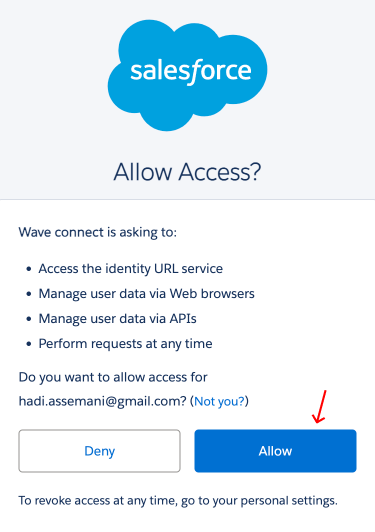
- After reviewing the permission prompt, grant Salesforce access to your Wave account data. You will now be re-directed to your Wave account.
- Verify a successful integration of Salesforce by spotting the ‘Disconnect’ button across Salesforce.

Note: Your Wave contacts will automatically sync as 'Leads' in your Salesforce account.
Congratulations 🎉, you have successfully integrated Salesforce in your Wave account.